Network Racks 101: Why Your Office Wiring Closet Deserves Love
A tidy rack isn't just for looks. Proper cable management, labeling, and airflow prevent the mystery outages that bring offices to a standstill.
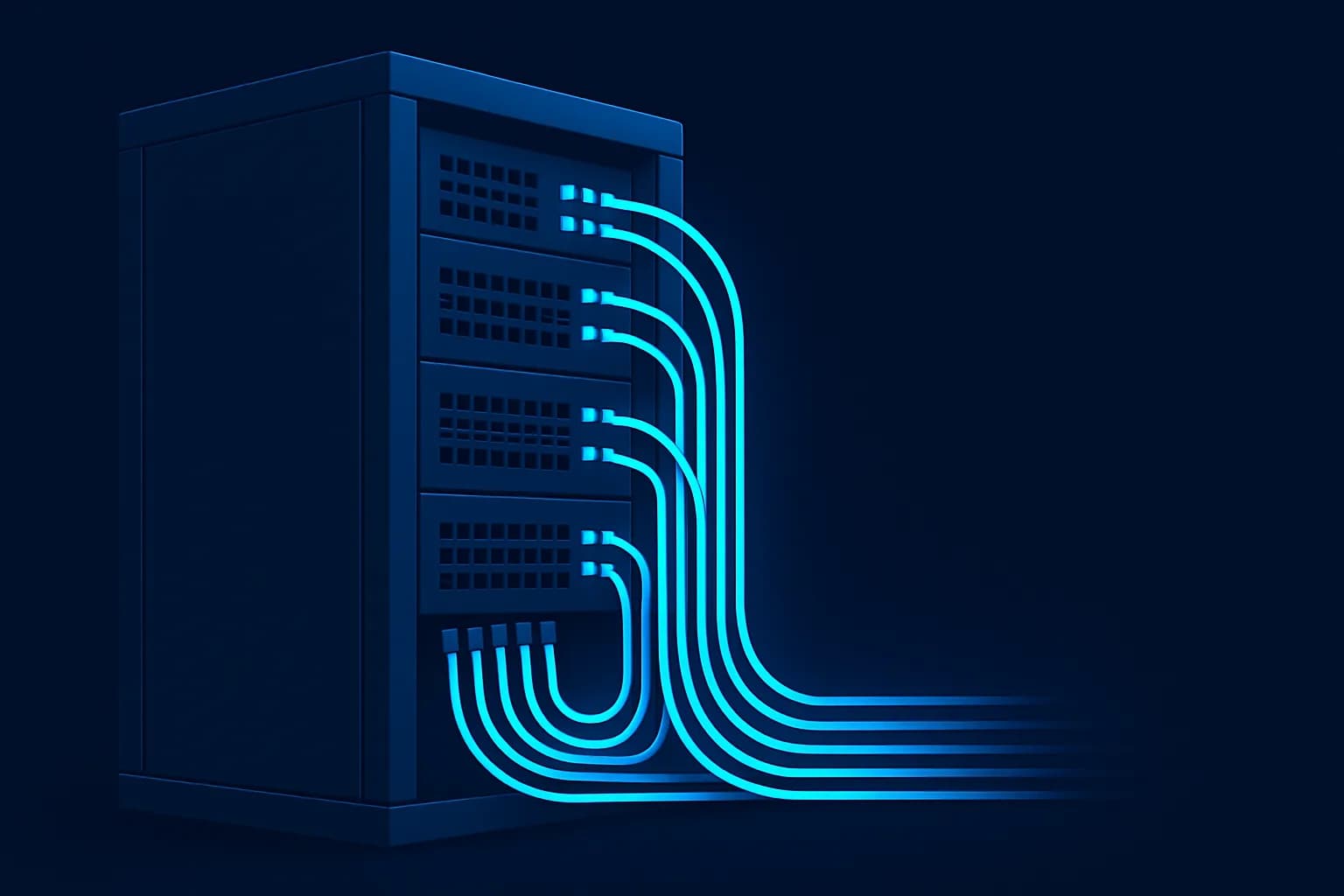
The cupboard where your network equipment lives is easy to ignore, right up until the moment everything stops working and somebody has to stand in front of it trying to work out which cable does what.
A well-organised rack is not vanity. It is the difference between a ten-minute fix and an afternoon of guessing.
Label everything, at both ends
This is the highest-value habit in the whole discipline and the one most often skipped. Every cable labelled at both ends, matching the labels on the wall ports, with a simple map kept nearby.
Without labels, diagnosing a fault means tracing cables by hand or unplugging things to see what breaks — which is exactly how a small problem becomes a large one.
Airflow is not optional
Network equipment produces heat continuously and most wiring closets were never designed with ventilation in mind. Heat is what quietly shortens hardware life and causes the intermittent faults nobody can reproduce.
- Leave gaps between equipment that runs hot rather than stacking it tightly
- Do not let cable bundles block the front or rear of a device
- Keep the door clear of storage — wiring closets attract boxes
- In a warm room, take ventilation seriously before hardware starts failing
Cable management is diagnostics
Routing cables through proper management with a little slack is not about appearance. Cables pulled taut fail at the connector. Bundles crushed behind equipment develop faults that come and go. A rack you can see into is a rack you can fix quickly.
Leave enough slack to move a device forward without unplugging it, and no more — excess coils create their own mess.
Power deserves the same care
Your network equipment should be on battery backup. A brief power cut that reboots a router costs more in disruption than the backup unit costs to buy.
Check that the battery is still healthy — these units fail silently after a few years and continue to look perfectly fine while providing no protection whatsoever.
Write down what is in there
A single page listing what each device does, what it connects to, and where its administrative access lives. Keep a copy outside the room, because a network fault is exactly when you cannot reach anything stored on the network.
It takes an hour once and saves that many times over. If your closet has drifted past the point where anyone wants to open it, our PhysTech team sorts these out — and a tidy rack tends to stay tidy.
More from the blog